AI Object Remover
Remove unwanted objects from your photos effortlessly with our AI object remover. Simply brush over the area you want erased, and the AI intelligently fills in the background to produce a clean, natural-looking result.
Drag & drop your image here
or click to upload
JPG, PNG, WebP · Max size 10MB
Before & After

Use Cases

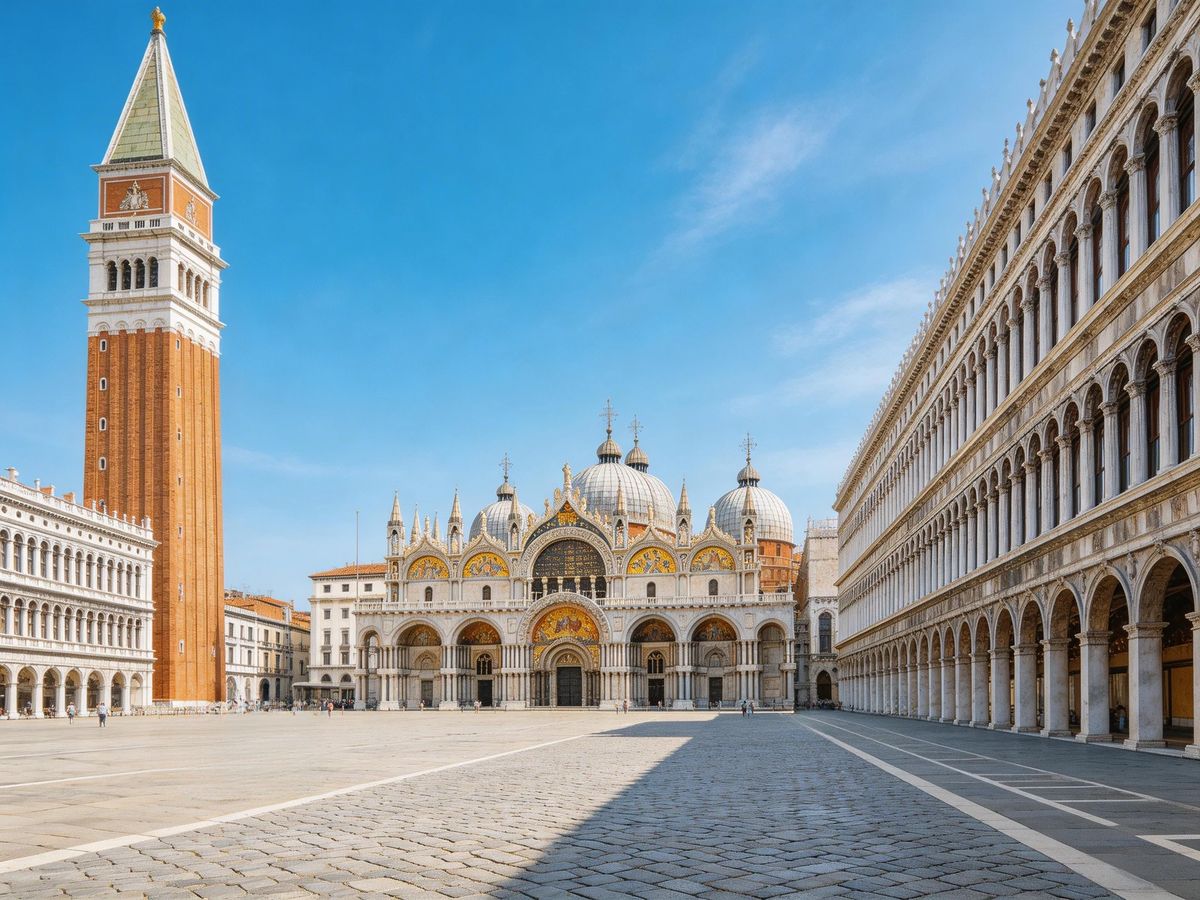
Clean Up Travel Photos
Remove photobombers, trash cans, or signs from your travel memories to get the perfect scenic shot.
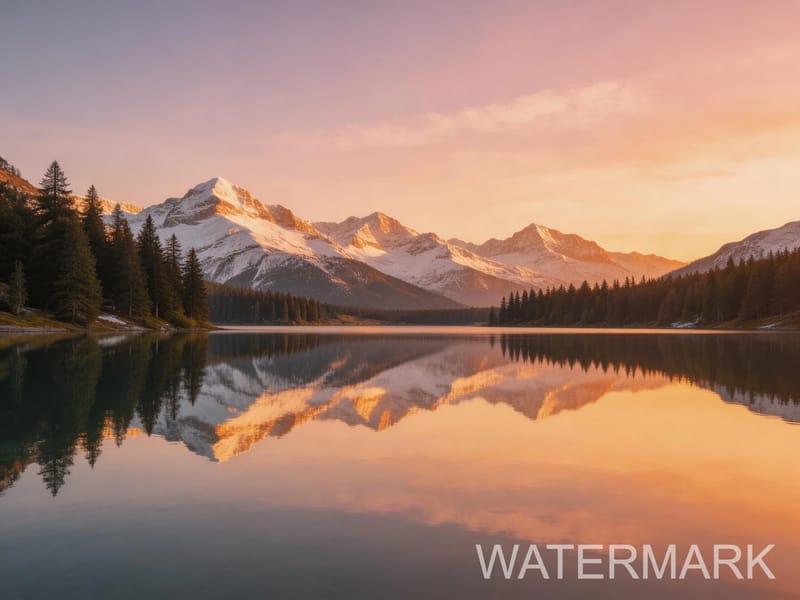
Remove Watermarks & Text
Erase watermarks, date stamps, or overlay text from images to create clean versions for personal use.

Real Estate Photo Editing
Remove clutter, power lines, or unwanted items from property photos to present homes at their best.
How It Works
Upload Your Photo
Drag and drop or click to upload the image containing objects you want to remove.
Brush Over Unwanted Objects
Use the brush tool to paint over the objects you want erased. Adjust brush size for precision.
AI Fills In the Background
The AI object remover intelligently reconstructs the background and you can download the clean result.
Related Tools






Frequently Asked Questions
Start Now
Join thousands of creators using Renoir AI