Trending AI Photo Prompts

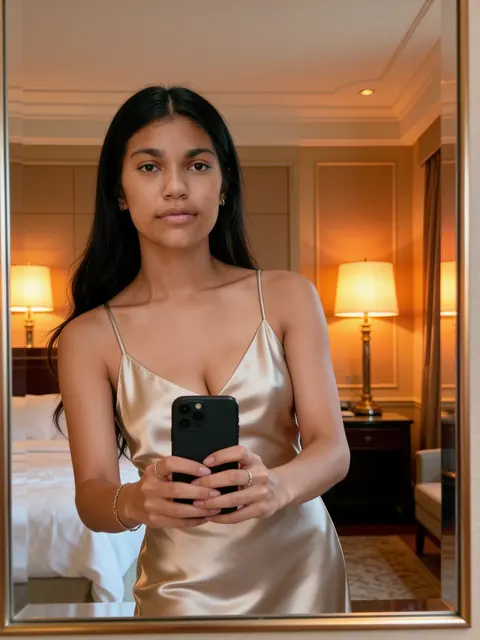
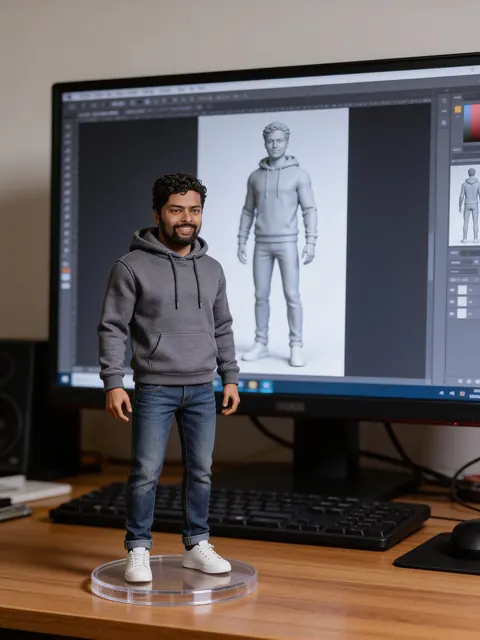
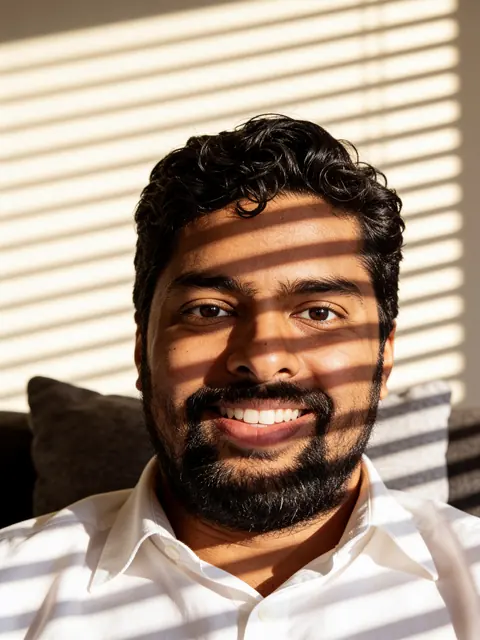
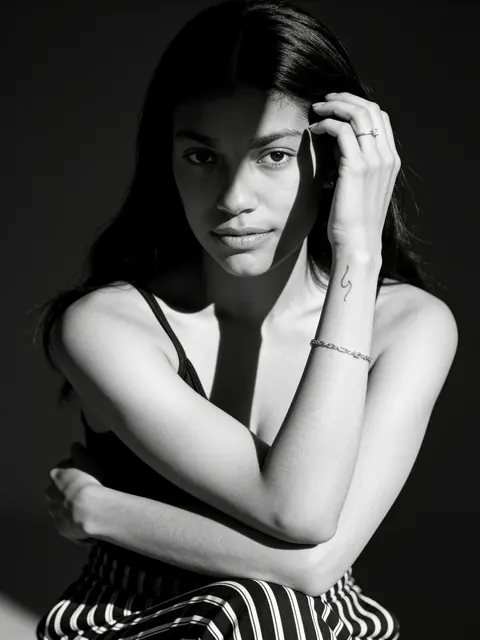
Popular edits to try: a collectible figure of you, a black and white cinematic portrait, window-blind shadows, a photo booth strip and a hotel mirror selfie.

  • Free to copy
  • Every example is real output
  • Works in Gemini, ChatGPT and Renoir

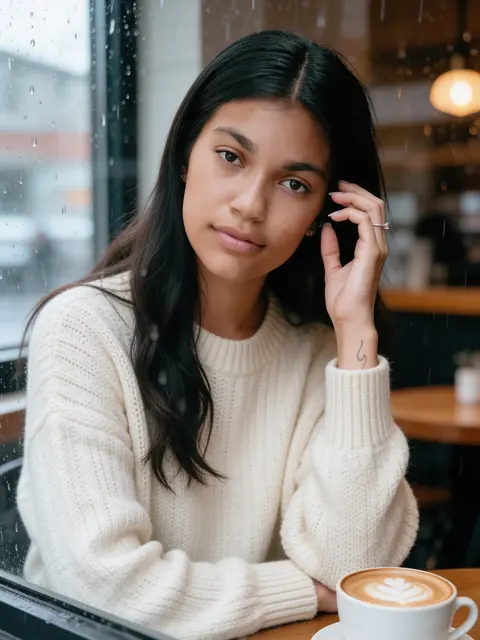
Trending AI photo prompts for girls

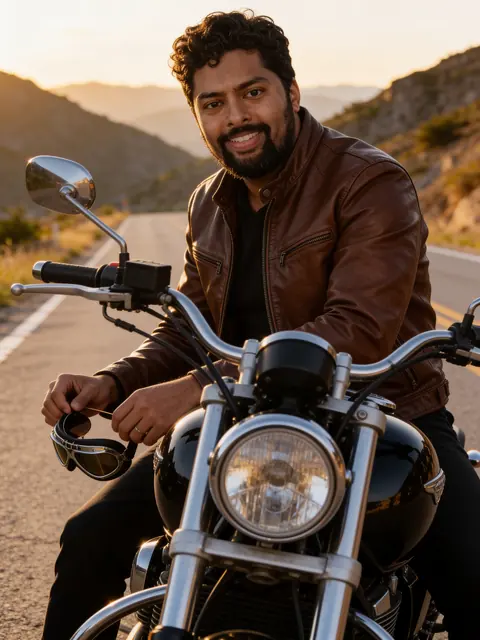
Trending AI photo prompts for boys

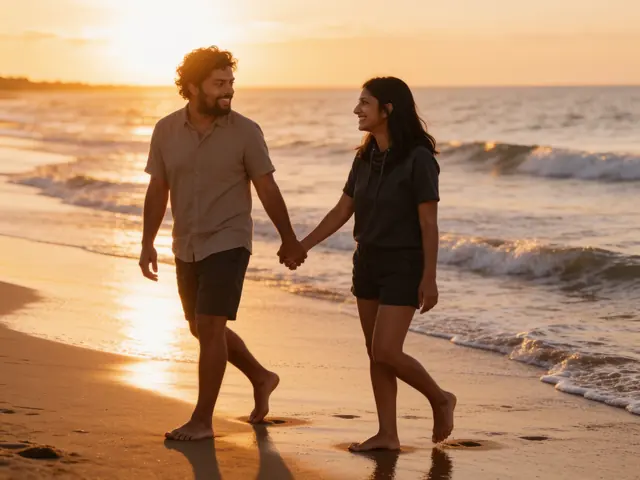
Trending AI photo prompts for couples

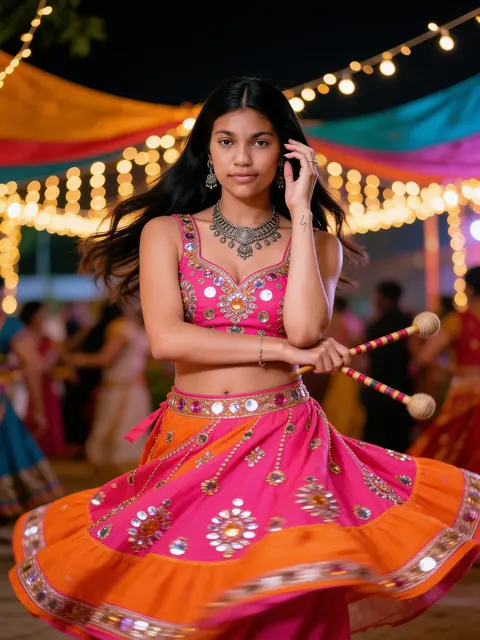
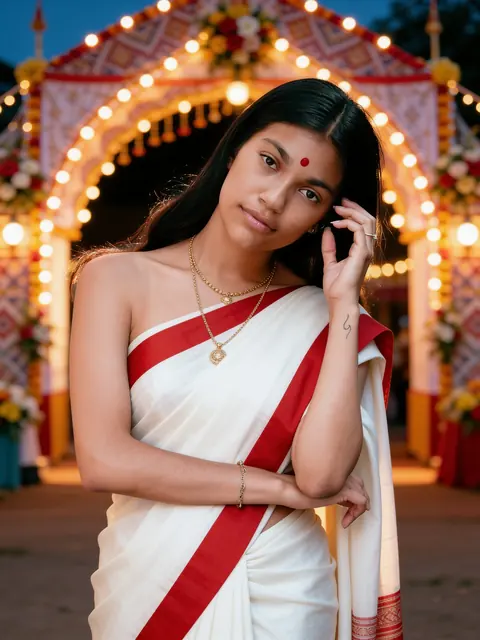
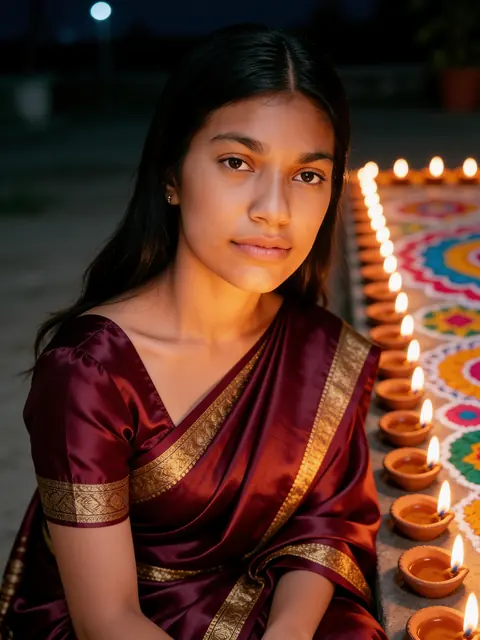
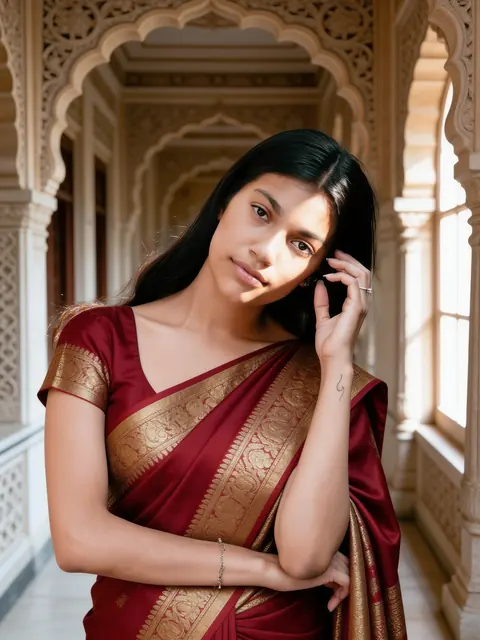
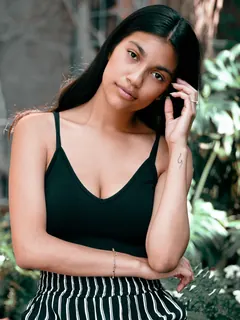
Examples are unretouched Seedream 4.5 Edit results from stock photos (Sarah Pflug / Burst, Shopify Photos / Burst). Results vary with your photo.

Prompts stay in English: image models follow them most reliably. Opens the Renoir studio with this prompt. Add your photo and generate — 3 credits per image.

Trending AI photo prompts are the popular edits people share on Instagram and Reels: you as a collectible scale figure on a desk, a high-contrast black and white cinematic portrait, hard window-blind shadows, a four-frame photo booth strip for couples and an elegant hotel mirror selfie. Each keeps your face, and works in Gemini, ChatGPT and here in Renoir. We add trends as they take off, and each gets a real example before it is shown with one.

How to make a Trending AI photo

The same prompt works in Gemini, ChatGPT and Renoir. Upload one clear photo, then:

Gemini

  1. Open Gemini in your browser or the app.
  2. Attach your photo with the + button.
  3. Paste the prompt into the same message and send.
  4. If the face drifts, reply “keep my face exactly as in the photo” and send again.

ChatGPT

  1. Open a new chat in ChatGPT.
  2. Attach your photo with the + button.
  3. Paste the prompt in the same message and send.
  4. Ask for changes in a follow-up message, such as a different colour or a vertical crop.

Renoir

  1. Press Use with my photo under any prompt.
  2. The studio opens with the prompt and the Seedream 4.5 Edit model ready.
  3. Add your photo and press Generate.
  4. Download the result, or edit the prompt and generate again.

Make the prompt your own

Replace the middle sentence of any prompt — the one that describes the clothes and the place — with one of these, or add one to it. Keep the first and last sentences: they are what keep your face the same.

Figure on a shelf

the figure stands in a glass display cabinet among other collectibles, with soft shelf lighting

3D animated character

turn him into a friendly 3D animated movie character with the same face shape, hairstyle and clothes

90s studio portrait

a 1990s studio portrait against a purple laser background, soft flash and film colour

Tokyo night street

a cinematic street photo on a Tokyo side street at night with glowing signs and light rain

Magazine cover pose

a fashion magazine style portrait on a plain backdrop with a single hard light, no text

Film camera flash

a direct-flash film photo at night with a dark background and slight grain

Tips for a better Trending photo

Figures need full outfits

Name everything the figure wears, head to toe, or the model may leave parts undressed.

Photo strips are hard

Four frames means four chances for a face to change. Check every frame and generate again if one looks off.

Black and white needs contrast

A photo with light on one side of your face gives the strongest black and white result.

Leave out brands

Toy boxes and magazines tempt models to add logos. Asking for no brand names or text keeps the result clean.

If the result isn't right

The face does not look like me

Use a sharp, front-facing photo where your face fills a good part of the frame, without sunglasses or heavy filters. Keep the prompt's first sentence unchanged, and generate again — each attempt is different.

The clothes are wrong or generic

Name the garment, colour, fabric and details together, as in “royal blue mirror-work lehenga”. Models fall back to a generic outfit when the description is vague.

Extra people or a face appears twice

Keep “Exactly one person” or “Exactly two people” in the last sentence, and use a photo with only the people you want. Busy scenes such as festival crowds can still add faces in the background; generate again if one looks like you.

Text, logos or watermarks show up

Keep “No text, no watermark” in the prompt and avoid asking for posters, signs or brand names. Garbled lettering is a sign to generate again.

More prompt topics

Frequently asked questions

What is the collectible figure trend?

Your photo becomes a realistic scale figure standing on a clear base on a desk, with its 3D model on the screen behind. The prompt names a full outfit so the figure is dressed head to toe.

Why is there no example for the photo booth prompt?

In our test runs one frame showed a face twice, so we did not show it. The prompt is still there to try; generate again if a frame looks wrong.

How often are trending prompts added?

We add prompts as new edits take off, and each one gets a real example before it is shown with one.

Can I do the hug-my-younger-self trend?

It needs a childhood photo as well as a current one, which these single-photo prompts do not cover yet.

Are trend prompts free?

Yes. Copy them for free; generating in Renoir costs 3 credits per image.

Is there a trend prompt for couples?

Yes. The photo booth strip is written for two people from one photo. It is the hardest trend to get right, so check every frame before you share it.