难近母节(Durga Puja)AI 照片提示词

用你的照片打造 Pujo 造型:红边白纱丽、丝绸 kurta、dhak 鼓和夜晚的 pandal 灯光。

  • 免费复制
  • 示例均为真实生成结果
  • 支持 Gemini、ChatGPT 和 Renoir

适合女生的难近母节 AI 照片提示词

效果: pandal 前的红边纱丽效果
原图原图

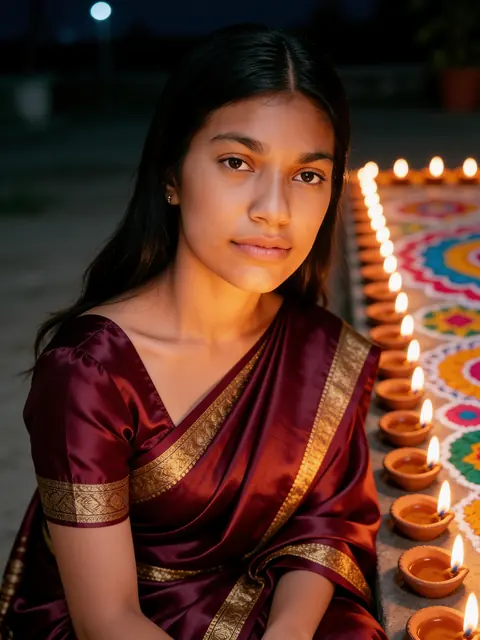
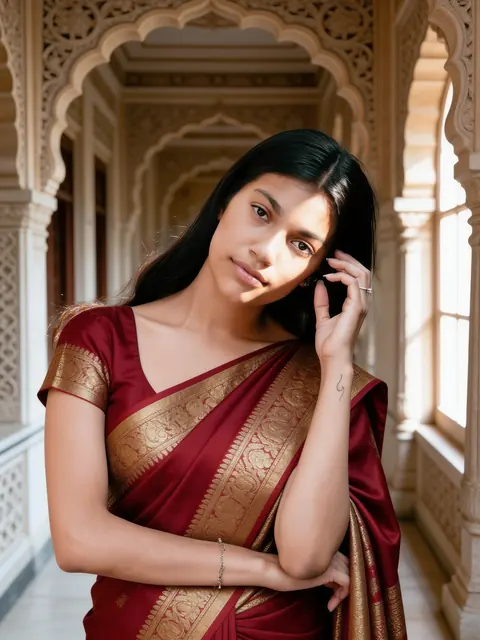
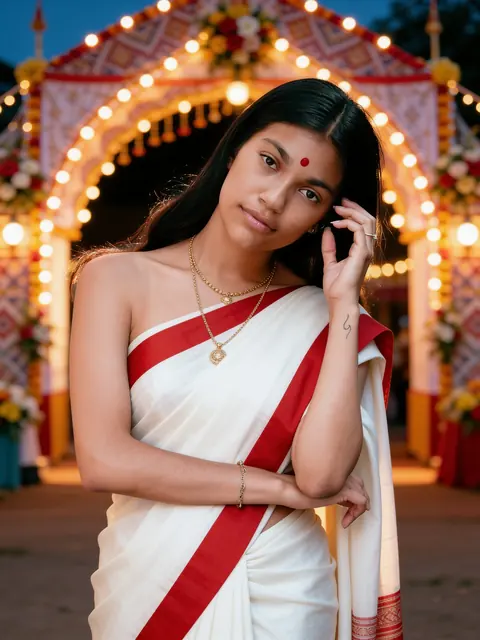
pandal 前的红边纱丽

经典 Pujo 纱丽,站在灯火通明的 pandal 入口前。

单人女

查看提示词

Edit the uploaded photo into a new photorealistic portrait of the SAME WOMAN. Keep her face, facial structure, skin tone, age, hairline and natural expression recognizable and unchanged. Do not beautify, slim, de-age or change her ethnicity. She wears a classic white saree with a wide red border, gold jewellery and a small red bindi, standing in front of the softly blurred entrance arch of a festival pandal decorated only with strings of lights, flowers and patterned cloth — no statues, no figures and no deities anywhere in the picture. Warm evening light. Natural skin texture, realistic light, sharp focus on her face. Exactly one person. No text, no watermark.
用我的照片生成
效果: Dhunuchi 舞效果
原图原图

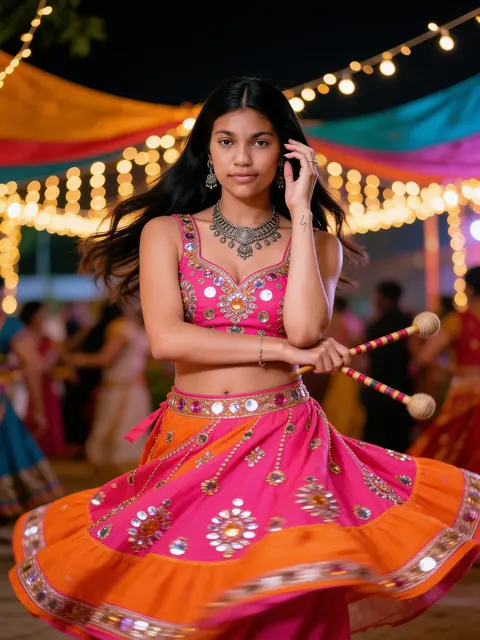
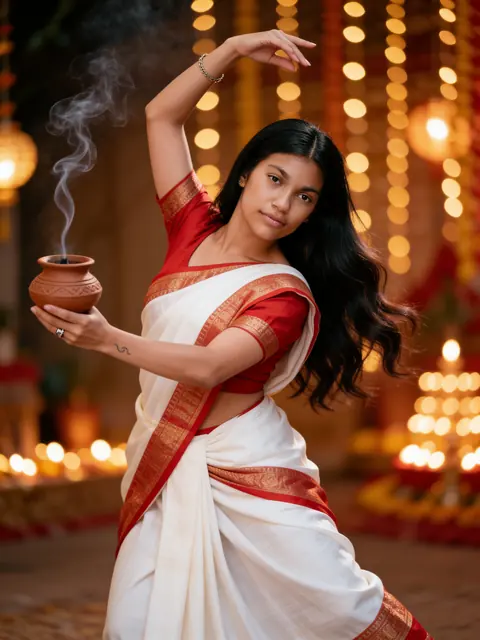
Dhunuchi 舞

陶制 dhunuchi 升起袅袅香烟,舞姿优雅。

单人女

查看提示词

Edit the uploaded photo into a new photorealistic portrait of the SAME WOMAN. Keep her face, facial structure, skin tone, age, hairline and natural expression recognizable and unchanged. Do not beautify, slim, de-age or change her ethnicity. She holds a clay dhunuchi with fragrant smoke curling upward, wearing a red and white saree, in a graceful dance pose. Warm golden festival lights glow behind her, with no idol visible. Natural skin texture, realistic light, sharp focus on her face. Exactly one person. No text, no watermark.

用我的照片生成

适合男生的难近母节 AI 照片提示词

效果: 丝绸 kurta 与 dhak 鼓效果
原图原图

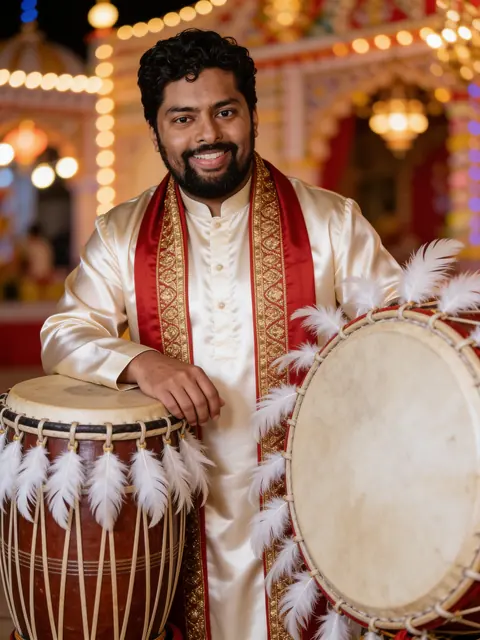
丝绸 kurta 与 dhak 鼓

米色丝绸 kurta,身旁是饰有羽毛的 dhak 鼓。

单人男

查看提示词

Edit the uploaded photo into a new photorealistic portrait of the SAME MAN. Keep his face, facial structure, skin tone, age, hairline, beard and natural expression recognizable and unchanged. Do not beautify, slim, de-age or change his ethnicity. He wears a cream silk kurta with a red-and-gold bordered shawl and stands beside a large dhak drum decorated with white feathers, festival pandal lights softly blurred behind him, with no idol visible. Natural skin texture, realistic light, sharp focus on his face. Exactly one person. No text, no watermark.
用我的照片生成
效果: 节日街头吃 phuchka效果
原图原图

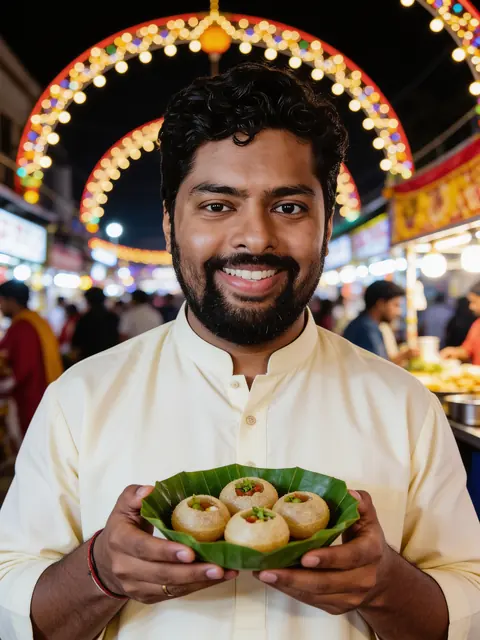
节日街头吃 phuchka

节日灯拱下的街头小吃。

单人男

查看提示词

Edit the uploaded photo into a new photorealistic portrait of the SAME MAN. Keep his face, facial structure, skin tone, age, hairline, beard and natural expression recognizable and unchanged. Do not beautify, slim, de-age or change his ethnicity. At a busy festival street stall at night he holds a leaf bowl of phuchka, smiling candidly, wearing a cream kurta, with arches of festive lights overhead. Natural skin texture, realistic light, sharp focus on his face. Exactly one person. No text, no watermark.
用我的照片生成

适合情侣的难近母节 AI 照片提示词

效果: 一起逛 pandal效果
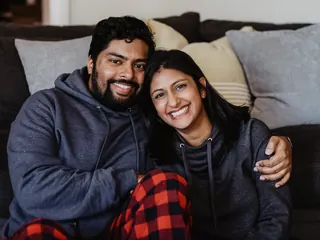
原图原图

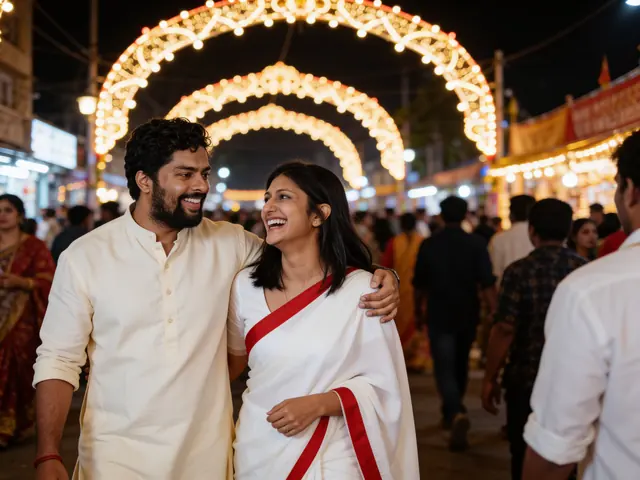
一起逛 pandal

在夜晚热闹明亮的节日街头,自然开怀的笑容。

情侣

查看提示词

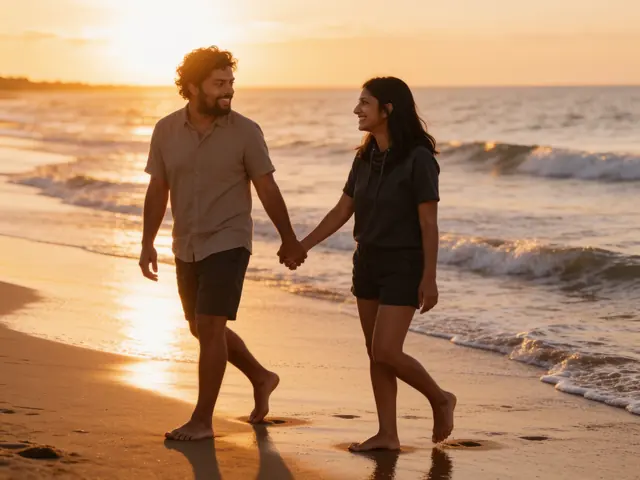
Edit the uploaded photo into a new photorealistic photo of the SAME TWO PEOPLE. Keep both faces, facial structures, skin tones, ages and hairlines recognizable and unchanged, and keep who stands on which side. Do not beautify, slim, de-age or change their ethnicity. Pandal hopping at night: the two walk together through a crowded festival street under glowing arches of lights, caught in a candid laughing moment. She wears a white saree with a red border; he wears a cream kurta. Natural skin texture, realistic light, sharp focus on both faces. Exactly two people. No text, no watermark.

用我的照片生成

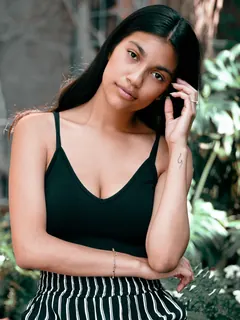
示例均为 Seedream 4.5 Edit 基于图库照片(Sarah Pflug / Burst, Shopify Photos / Burst)生成的未修图结果。实际效果因照片而异。

提示词保留英文:图像模型对英文提示词的理解最稳定。 将带着这条提示词打开 Renoir 创作室。添加照片即可生成,每张 3 积分。

难近母节让孟加拉的街道灯火通明:红边白纱丽、米色丝绸 kurta、dhak 鼓的节奏、dhunuchi 的香烟,还有通宵逛 pandal。这些难近母节 AI 照片提示词用你自己的照片重现这些 Pujo 时刻——女生、男生和情侣都适用——只描绘服装、灯光和街道,不要求生成任何神像或神祇。复制到 Gemini 或 ChatGPT,或直接在这里用你的照片生成;节日季的其他造型,请看九夜节和排灯节提示词。

如何制作难近母节 AI 照片

同一条提示词在 Gemini、ChatGPT 和 Renoir 中都能用。上传一张清晰的照片,然后:

Gemini

  1. 在浏览器或 App 中打开 Gemini。
  2. 点击 + 按钮添加你的照片。
  3. 在同一条消息中粘贴提示词并发送。
  4. 如果脸变样了,回复“keep my face exactly as in the photo”再发送一次。

ChatGPT

  1. 在 ChatGPT 中新建对话。
  2. 点击 + 按钮添加你的照片。
  3. 在同一条消息中粘贴提示词并发送。
  4. 在后续消息中提出修改,例如换一种颜色或裁成竖图。

Renoir

  1. 点击任意提示词下方的“用我的照片生成”。
  2. 创作室会打开,提示词和 Seedream 4.5 Edit 模型都已就绪。
  3. 添加照片并点击“生成”。
  4. 下载结果,或修改提示词后重新生成。

打造你自己的提示词

把任意提示词的中间一句(描述服装和地点的那句)替换成下面的某一条,或者把它们加进去。保留第一句和最后一句:正是它们让你的脸保持不变。

Garad 丝绸纱丽

a white Garad silk saree with a wide red border and a red blouse

Dhakai jamdani

a soft blue Dhakai jamdani saree with fine white woven motifs

传统男士造型

a cream panjabi with a white dhoti and a red-and-gold bordered shawl

孟加拉金饰

traditional Bengali gold jewellery with a small nose ring and gold bangles

夜晚的加尔各答街头

on a Kolkata street at night lined with arches of festival lights, no idol visible

清晨的 pandal

in soft morning light in a quiet neighbourhood pandal courtyard decorated with flowers and cloth, no statues or deities

让难近母节照片更出彩的技巧

保留“no idol visible”

图像模型喜欢在你身后加上女神像。保留这个短语,大多数时候都能避免;如果还是出现了,请重新生成。

纱丽边很关键

要写明“wide red border”——没有它,经典的红边白 Pujo 纱丽常常会变成纯白色。

夜晚灯光最有节日感

pandal 灯光在夜里最好看。在室内暖光下拍的照片,比在强烈日光下的自拍融合得更自然。

情侣请选街景

Pandal hopping 提示词最适合用你们两人并排、脸部清晰可见的照片。

效果不理想时

脸不像我

使用清晰的正脸照片,脸部占画面较大比例,不戴墨镜、不加重滤镜。保持提示词第一句不变,然后重新生成——每次结果都不一样。

服装不对或太普通

把服装、颜色、面料和细节一起写明,例如“royal blue mirror-work lehenga”。描述模糊时,模型会退回到普通的服装。

多出人物或同一张脸出现两次

在最后一句保留“Exactly one person”或“Exactly two people”,并使用只包含你想要的人物的照片。节日人群这类热闹场景仍可能在背景中添加面孔;如果有人长得像你,请重新生成。

出现文字、商标或水印

在提示词中保留“No text, no watermark”,避免要求海报、招牌或品牌名。出现乱码文字,就说明该重新生成了。

更多提示词主题

常见问题

难近母节提示词能生成什么?

身穿经典 Pujo 服饰的节日写真,包括红边白纱丽和米色丝绸 kurta,搭配 pandal 灯光、节日街道、dhak 鼓和 dhunuchi 香烟。

为什么图片中没有女神像?

出于尊重,这些提示词只描绘服饰、灯光和节日街景,不要求生成任何神像或神祇。图像模型仍可能自行添加;如果出现,请重新生成。

有适合情侣的 pandal hopping 提示词吗?

有。Pandal hopping 提示词会把你们两人放进夜晚人潮涌动、灯火通明的节日街道。

哪条难近母节提示词适合男生?

有两条是为单人男士编写的:身旁放着饰有羽毛的 dhak 鼓的丝绸 kurta,以及在灯火通明的节日街头吃 phuchka。上面的传统 panjabi 配 dhoti 造型则是第三种选择。

有 sindoor khela 提示词吗?

暂时没有。Sindoor khela 是已婚女性参加的仪式,现场人很多,图像模型很难在不改变面部的情况下画好;我们只展示效果经过检验的提示词。

这些照片可以用来发 Pujo 祝福吗?

可以。提示词要求画面不出现文字,图片保持干净,你可以用任意修图软件添加祝福语。