
AIサリー写真プロンプト

あなたの写真で楽しむ5つのサリースタイル。Banarasi、Kanjivaram、90年代風の雨のシフォン、スパンコールのパーティーサリー、普段使いの手織りサリーです。

  • 無料でコピー
  • 作例はすべて実際の生成結果
  • Gemini・ChatGPT・Renoirで使えます

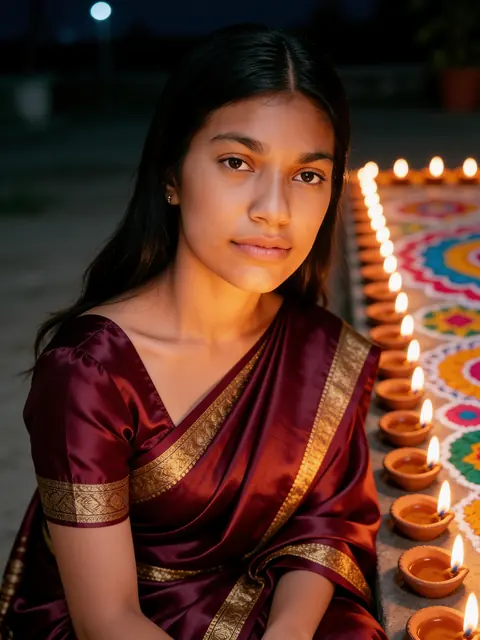
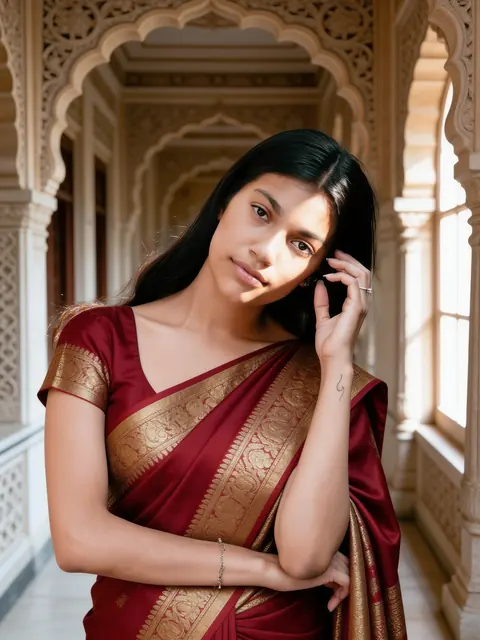
生成結果: 宮殿で赤いBanarasi生成結果
元の写真元の写真

宮殿で赤いBanarasi

彫刻が施された歴史ある回廊に、金の錦織シルク。

女性1人

プロンプトを表示

Edit the uploaded photo into a new photorealistic portrait of the SAME WOMAN. Keep her face, facial structure, skin tone, age, hairline and natural expression recognizable and unchanged. Do not beautify, slim, de-age or change her ethnicity. She wears a rich red Banarasi silk saree with gold brocade and stands in a heritage palace corridor with carved stone arches, soft window light on her face. Natural skin texture, realistic light, sharp focus on her face. Exactly one person. No text, no watermark.
自分の写真で使う
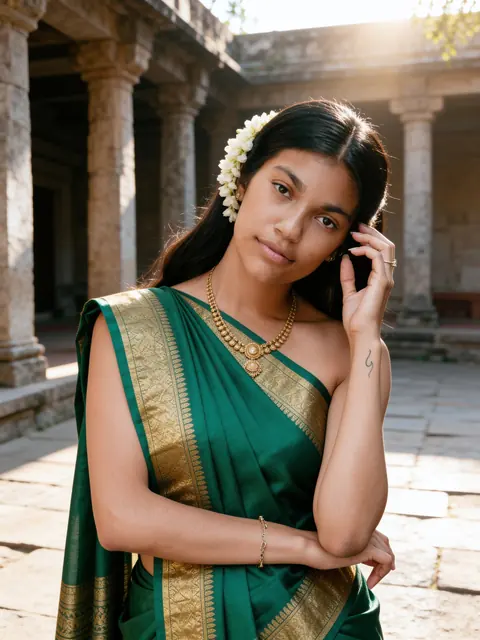
生成結果: エメラルドのKanjivaram生成結果
元の写真元の写真

エメラルドのKanjivaram

幅広の金の縁取り、髪にジャスミン、石造りの中庭。

女性1人

プロンプトを表示

Edit the uploaded photo into a new photorealistic portrait of the SAME WOMAN. Keep her face, facial structure, skin tone, age, hairline and natural expression recognizable and unchanged. Do not beautify, slim, de-age or change her ethnicity. She wears an emerald green Kanjivaram silk saree with a wide gold border and gold jewellery, jasmine flowers in her hair, in a sunlit stone courtyard with old pillars, soft morning light. Natural skin texture, realistic light, sharp focus on her face. Exactly one person. No text, no watermark.
自分の写真で使う
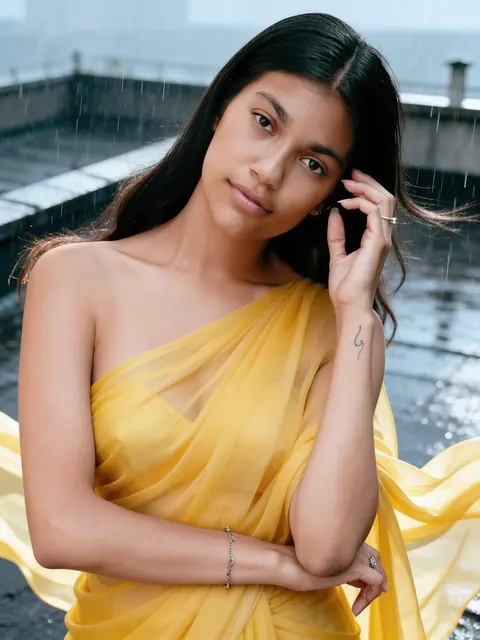
生成結果: 90年代風・雨のシフォンサリー生成結果
元の写真元の写真

90年代風・雨のシフォンサリー

雨に濡れた屋上でなびく黄色いサリー。

女性1人

プロンプトを表示

Edit the uploaded photo into a new photorealistic portrait of the SAME WOMAN. Keep her face, facial structure, skin tone, age, hairline and natural expression recognizable and unchanged. Do not beautify, slim, de-age or change her ethnicity. She wears a flowing yellow chiffon saree on a rain-soaked rooftop in a light drizzle, the fabric moving in the wind, with the mood of a 1990s Hindi film song. Natural skin texture, realistic light, sharp focus on her face. Exactly one person. No text, no watermark.
自分の写真で使う
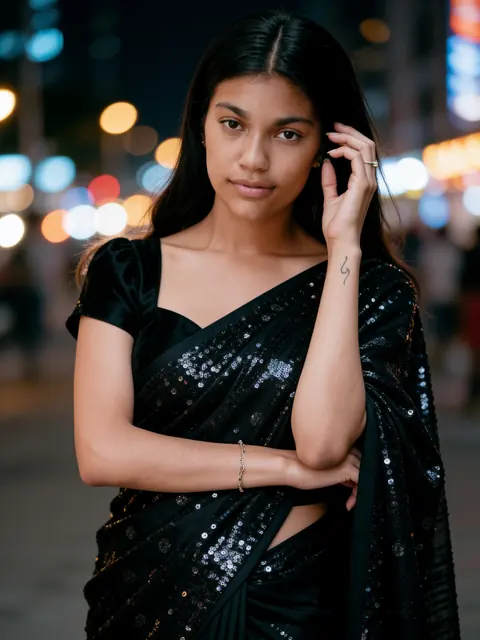
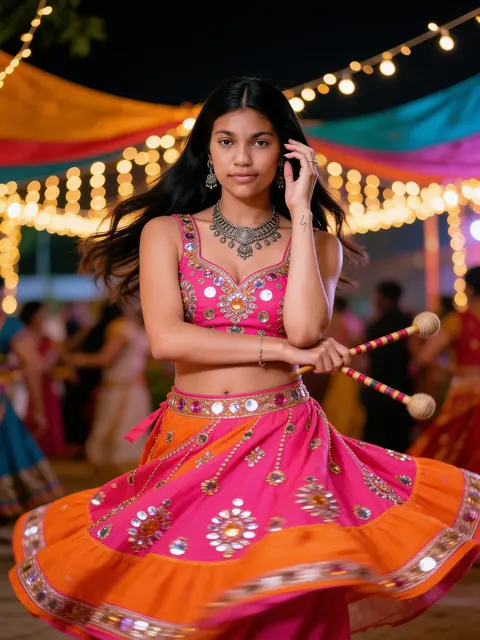
生成結果: 黒いスパンコールのパーティーサリー生成結果
元の写真元の写真

黒いスパンコールのパーティーサリー

街の灯りを背にした華やかな夜のポートレート。

女性1人

プロンプトを表示

Edit the uploaded photo into a new photorealistic portrait of the SAME WOMAN. Keep her face, facial structure, skin tone, age, hairline and natural expression recognizable and unchanged. Do not beautify, slim, de-age or change her ethnicity. She wears a black sequin party saree with an elegant blouse, city lights blurred into bokeh behind her, a glamorous evening portrait. Natural skin texture, realistic light, sharp focus on her face. Exactly one person. No text, no watermark.
自分の写真で使う
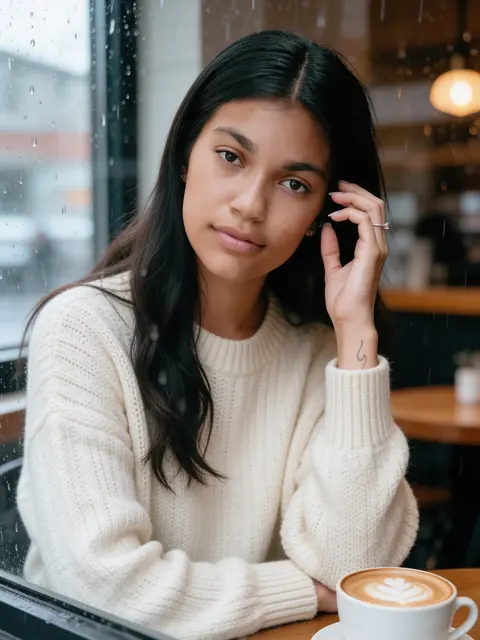
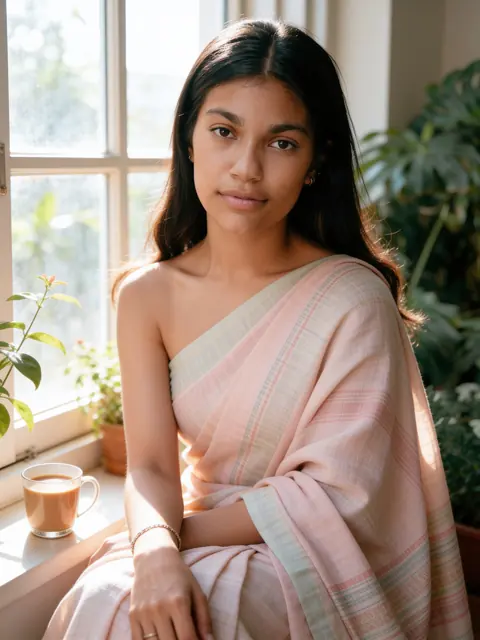
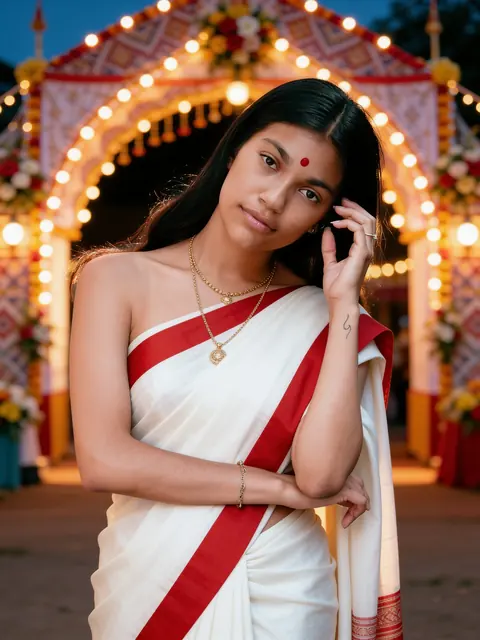
生成結果: 窓辺の手織りサリー生成結果
元の写真元の写真

窓辺の手織りサリー

パステルのコットン、観葉植物、チャイ、やわらかな朝の光。

女性1人

プロンプトを表示

Edit the uploaded photo into a new photorealistic portrait of the SAME WOMAN. Keep her face, facial structure, skin tone, age, hairline and natural expression recognizable and unchanged. Do not beautify, slim, de-age or change her ethnicity. She wears a pastel handloom cotton saree and sits by a sunlit window with plants and a cup of chai, soft natural light, calm and candid. Natural skin texture, realistic light, sharp focus on her face. Exactly one person. No text, no watermark.
自分の写真で使う

作例はストックフォト(Sarah Pflug / Burst, Shopify Photos / Burst)をもとにしたSeedream 4.5 Editの無修正の生成結果です。仕上がりはお使いの写真によって変わります。

プロンプトは英語のままです。画像モデルが最も確実に従ってくれるためです。 このプロンプトを入れた状態でRenoirスタジオが開きます。写真を追加して生成してください。1枚あたり3クレジットです。

サリーの写真プロンプトは、顔はそのままに、着ているものと場所を変えます。彫刻が施された宮殿の回廊で赤いBanarasi、髪にジャスミンを飾ったエメラルドグリーンのKanjivaram、90年代の映画の歌のワンシーンのような雨の中の黄色いシフォンサリー、黒いスパンコールのパーティーサリー、日の差す窓辺で普段使いの手織りサリー。このAIサリー写真プロンプトは女性1人向けで、Gemini、ChatGPT、そしてこのRenoirで使えます。お祭りのサリーなら、ドゥルガー・プージャーとディワリのプロンプトをご覧ください。

サリーのAI写真の作り方

同じプロンプトがGemini・ChatGPT・Renoirで使えます。鮮明な写真を1枚アップロードしたら、次の手順で進めてください。

Gemini

  1. ブラウザかアプリでGeminiを開きます。
  2. +ボタンで写真を添付します。
  3. 同じメッセージにプロンプトを貼り付けて送信します。
  4. 顔が変わってしまったら「keep my face exactly as in the photo」と返信して、もう一度送信します。

ChatGPT

  1. ChatGPTで新しいチャットを開きます。
  2. +ボタンで写真を添付します。
  3. 同じメッセージにプロンプトを貼り付けて送信します。
  4. 色の変更や縦長へのトリミングなど、修正は続けてメッセージで依頼します。

Renoir

  1. 好きなプロンプトの下にある「自分の写真で使う」を押します。
  2. プロンプトとSeedream 4.5 Editモデルが準備された状態でスタジオが開きます。
  3. 写真を追加して「生成」を押します。
  4. 結果をダウンロードするか、プロンプトを編集してもう一度生成します。

プロンプトを自分好みにアレンジ

どのプロンプトでも、真ん中の一文(服装と場所を描写している部分)を下のどれかに置き換えるか、書き足してください。最初と最後の一文はそのまま残しましょう。顔を本人のまま保つための部分です。

ラージャスターンのhaveli

in the courtyard of a Rajasthani haveli with carved jharokha windows and warm afternoon light

Paithani

a purple Paithani silk saree with a peacock-motif pallu

ケーララのkasavu

a white Kerala kasavu saree with a gold border and jasmine in her hair

Bandhani

a red and yellow Bandhani saree with small tie-dye dots

70年代の映画風

a 1970s Hindi film look with a bold printed saree, winged eyeliner and soft vintage colour

夕暮れの湖のガート

on the stone steps of a lake ghat at golden hour

サリーの写真をもっと素敵にするコツ

織りの名前を書く

Banarasi、Kanjivaram、Paithani、シフォンは見た目がまったく違います。織りと縁取りの名前を書けば、ドレープと光沢が正しく出ます。

まとい方を指定する

「pallu over her left shoulder」や「pallu wrapped around her arm」を加えると、サリーのまとい方を調整できます。

半身の写真を選ぶ

肩と腰が写った写真なら、モデルがサリーを自然にまとわせるのに十分な情報があります。

ポーズを変えてもOK

写真のポーズはたいていそのまま引き継がれます。違う立ち姿にしたいときは「standing, hands relaxed at her sides」を加えてください。

うまくいかないときは

顔が自分に似ていない

顔が画面の大きな部分を占める、鮮明で正面向きの写真を使いましょう。サングラスや強いフィルターは避けてください。プロンプトの最初の一文は変えずに、もう一度生成してください。毎回違う結果になります。

服装が違う、ありきたり

「royal blue mirror-work lehenga」のように、衣服の種類・色・生地・ディテールをまとめて書きましょう。描写があいまいだと、モデルはありきたりの服装にしてしまいます。

余計な人が入る、同じ顔が2つ出る

最後の一文の「Exactly one person」や「Exactly two people」は残し、写したい人だけが写った写真を使いましょう。祭りの人混みのようなにぎやかなシーンでは、背景に顔が加わることがあります。あなたに似た人がいたら、もう一度生成してください。

文字・ロゴ・透かしが出る

プロンプトの「No text, no watermark」は残し、ポスターや看板、ブランド名を求めないようにしましょう。崩れた文字が出たら、生成し直すサインです。

ほかのプロンプトテーマ

よくある質問

どんなサリーがありますか?

赤いBanarasiシルクのサリー、エメラルドグリーンのKanjivaramシルクのサリー、雨の中の黄色いシフォンサリー、黒いスパンコールのパーティーサリー、パステルカラーの手織りコットンサリーです。

ポーズはそのままですか?

作例のとおり、たいていは元の写真のポーズが引き継がれます。変えたい場合は、「standing, hands relaxed at her sides」のような一文をプロンプトに加えてください。

サリーの色は変えられますか?

はい。プロンプト内の色や生地の言葉を変えてください。たとえば「emerald green Kanjivaram」を「deep purple Kanjivaram」にします。

話題のhaveliサリールックとは?

彫刻が施された窓と温かな光のある、ラージャスターンのhaveliの中庭で撮ったようなサリーのポートレートです。上のhaveliのアイデアは、どのサリープロンプトとも組み合わせられます。

男性のサリー写真は作れますか?

これらのプロンプトは女性向けです。男性の伝統的な装いなら、ナヴラトリ、ドゥルガー・プージャー、ディワリの各ページにあるクルタやシェルワーニーのプロンプトをご覧ください。

サリーの色はリアルに出ますか?

深みのあるシルクやシフォンはきれいに出ます。とても細かい柄は簡略化されることがあるので、模様を一つひとつ書くより、主な色と縁取りを描写しましょう。